How to turn a photo into a coloring page
Turn any photo into a printable coloring page — free, no sign-up, no watermark. Download clean line art as PDF or PNG and print it at home.
1. What you'll need
Use a JPG, PNG, or WebP photo. Large photos are automatically resized on your device for processing. Use a photo you have the right to use and pick your printer paper size before you begin.
2. Pick the right photo
Good light, a clear subject, and separation from the background create the cleanest pages. Portraits, pets, toys, flowers, and a single building are reliable choices. A distant group shot or a texture-heavy landscape can leave too many tiny marks.
- Let the subject fill most of the frame.
- Use a photo with visible edges between subject and background.
- Avoid heavy blur, dark shadows, and tiny faces.

3. Upload and generate
Open the free coloring-page generator, add your photo, choose Letter or A4, select Home Print, then Generate. The conversion runs in your browser and prepares black-and-white line art for coloring.
4. Preview and adjust
Check that the important parts of the subject are easy to recognize. If the result feels crowded, try a closer crop or a simpler photo. Select A4 for A4 paper and Letter for US Letter paper; keep the orientation that matches your photo.
5. Download and print
Download a PDF for a paper-sized file, or PNG for digital coloring. Then follow the printing guide and set your printer to 100% or Actual size.
Making a set for a gift or a rainy afternoon? Combine several pages into one bound book — see how to make a coloring book from photos.
6. Tips for the best results
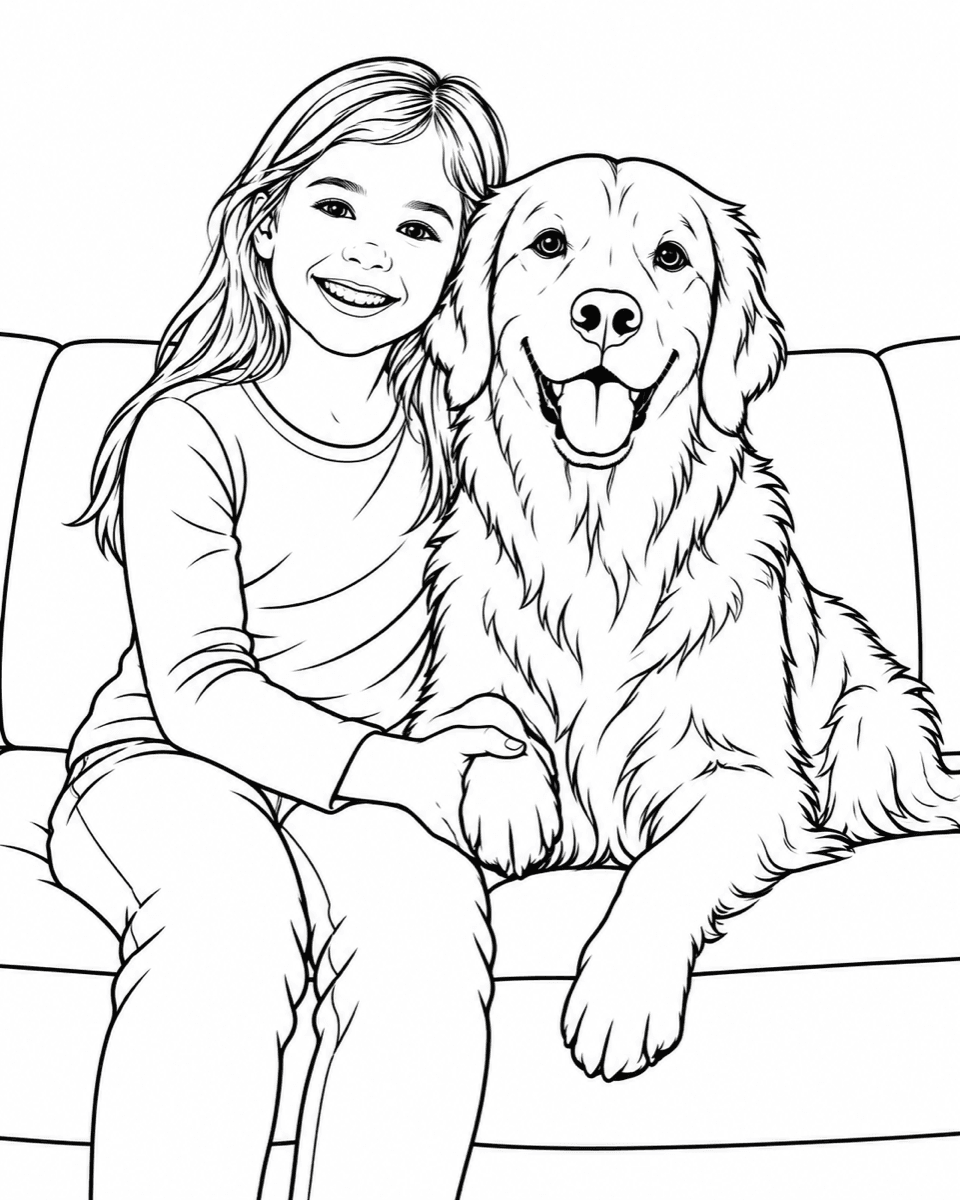
Start with a bright, simple image. The example above shows the kind of clean background, clear subject edges, and open areas that make a comfortable coloring page.
Keep the scale at 100%
Fit to page can shrink the line art. Match the paper choice in the generator to the paper in your printer, then choose Actual size in the print dialog.
7. FAQ
Why is my result too busy?
Try a closer photo with fewer background details. A clearer subject gives the line generator less texture to interpret.
Can I color on a tablet?
Yes. Download PNG for digital coloring; use Home Print when you want a full-resolution paper page.
Where can I find a page to print without a photo?
Browse the free coloring pages library for ready-to-download pages.
Ready to create?
Create your coloring page in the free generator.